
When you complete an assignment, upload all deliverables to the relevant project folder. Then mark the service as complete.
1 Click "My Assignments"

2 Navigate to the project.

3 Click "Documents"

4 Select the relevant folder.

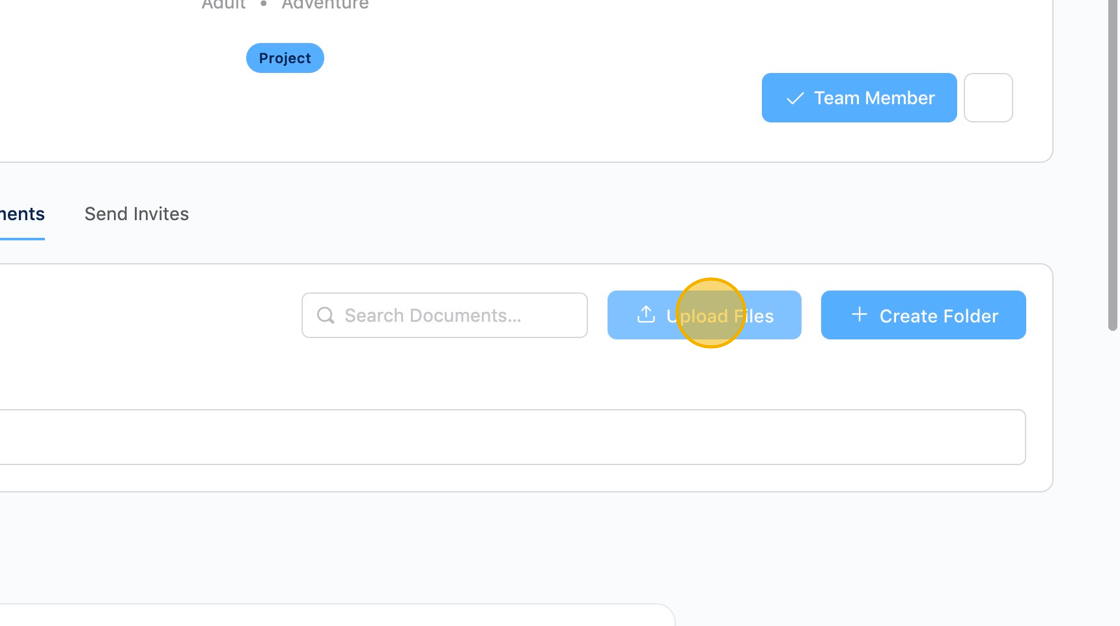
5 Click "Upload Files"
6 Click "Add Files" or drag and drop to upload all deliverables.

7 Click "Done"

8 Click "My Assignments"

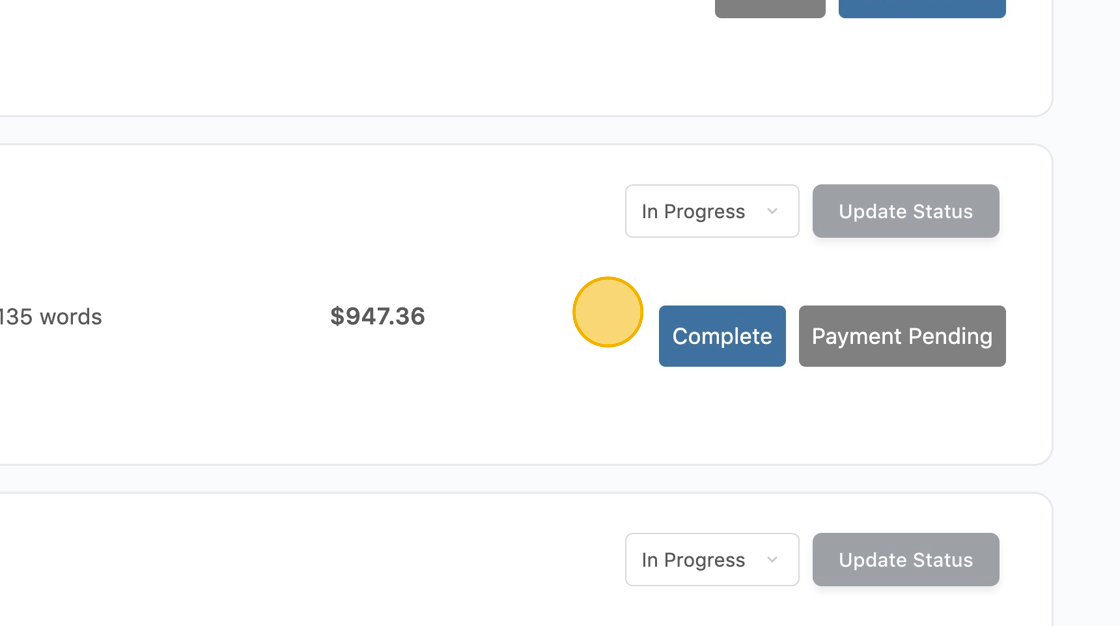
9 Select "Complete" from the dropdown.

10. Click "Update Status"

11. The status should change to "Complete." The author will receive an email notification. We suggest also messaging the author directly.
Was this article helpful?
YesNo
