
Designers have the options of displaying their work on their profile. Follow the instructions below to upload photos to your profile.
1 Go to your profile.

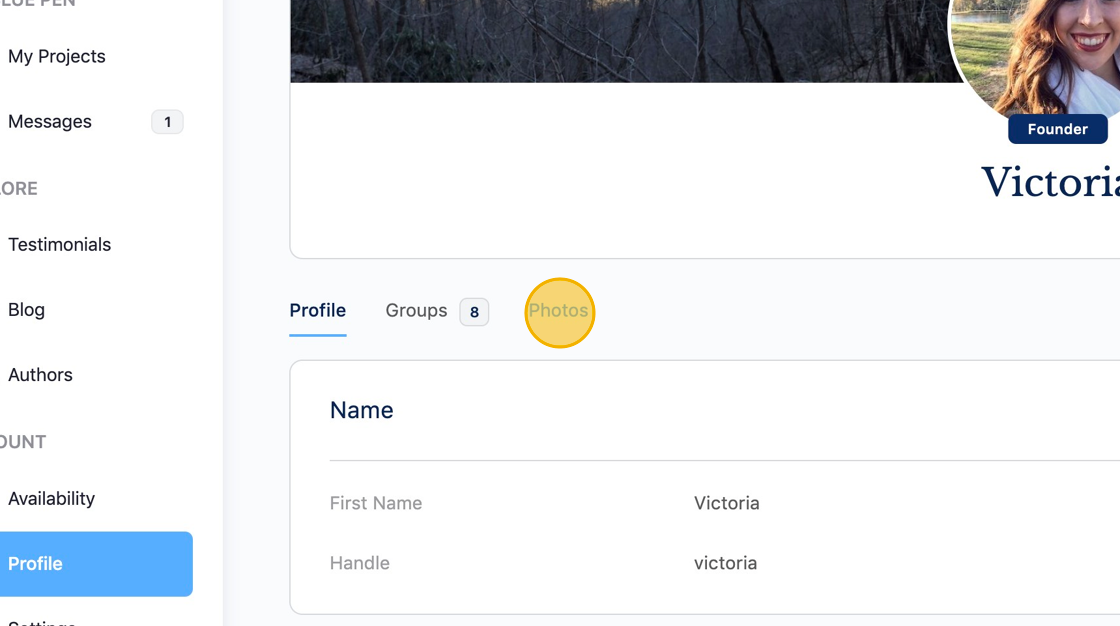
2 Click the "Photos" tab.
3 Click "Add Photos"

4 Select the privacy setting.

5 Click "Add Photos"
Or drag and drop

6 When you have uploaded all photos, click "Done"

7 Your photos are now visible on your profile.

8 To delete photos, select the photos you would like to delete.

9 Click the delete icon.

Was this article helpful?
YesNo
