
1 If you have not completed your team member agreement, an alert bar will appear prompting you to do so.

2 You will see the current agreement in your account settings. Type your legal name into the input field.

3 Draw your signature with your mouse or on your touch screen.

4 Click "Clear Signature" to start over.
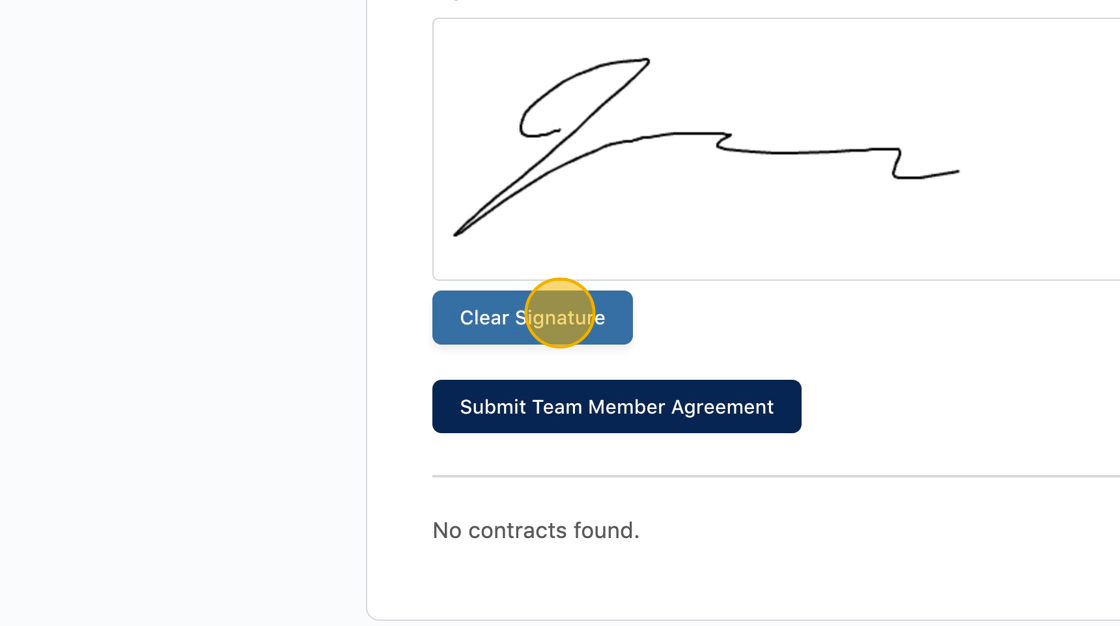
5 When you are finished signing, click the submit button.
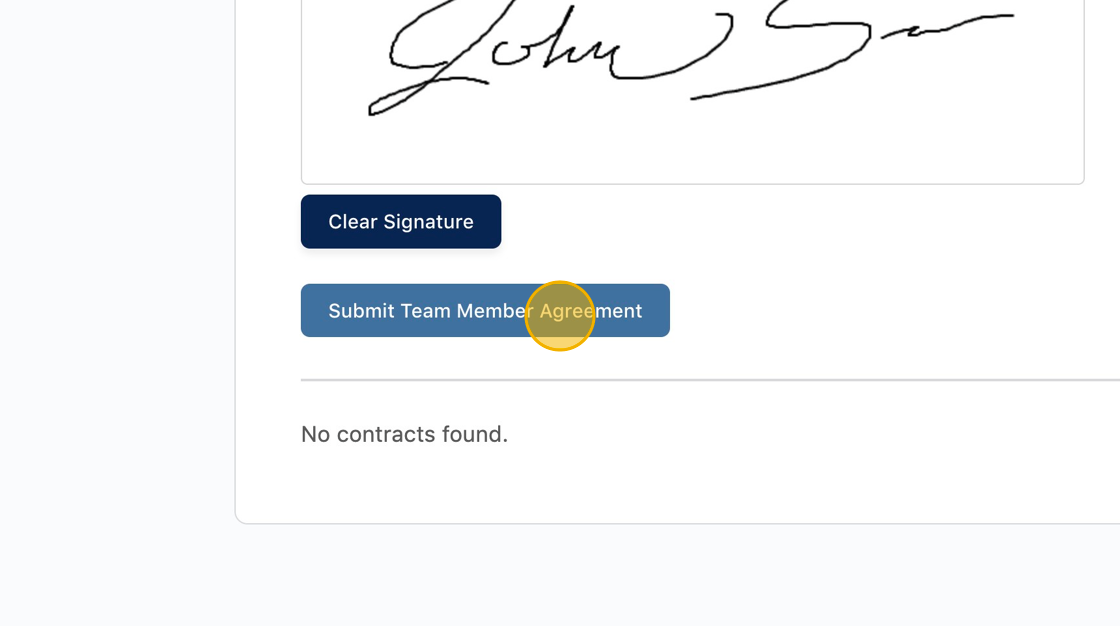
6 You will now see a link to your completed agreement in the list. Click the link to view the agreement.

Was this article helpful?
YesNo
