
The messaging tool allows you to communicate with authors and team members.
Add info@bluepenbooks.com to your contact list to ensure you receive notifications.
1 Click "My Projects"

2 Select a project.

3 Click "Send Messages"

4 Type a message to all group members, including the author and team members.

5 Click "Send Message"

6 Click "Send Private Message" to message an individual group member.
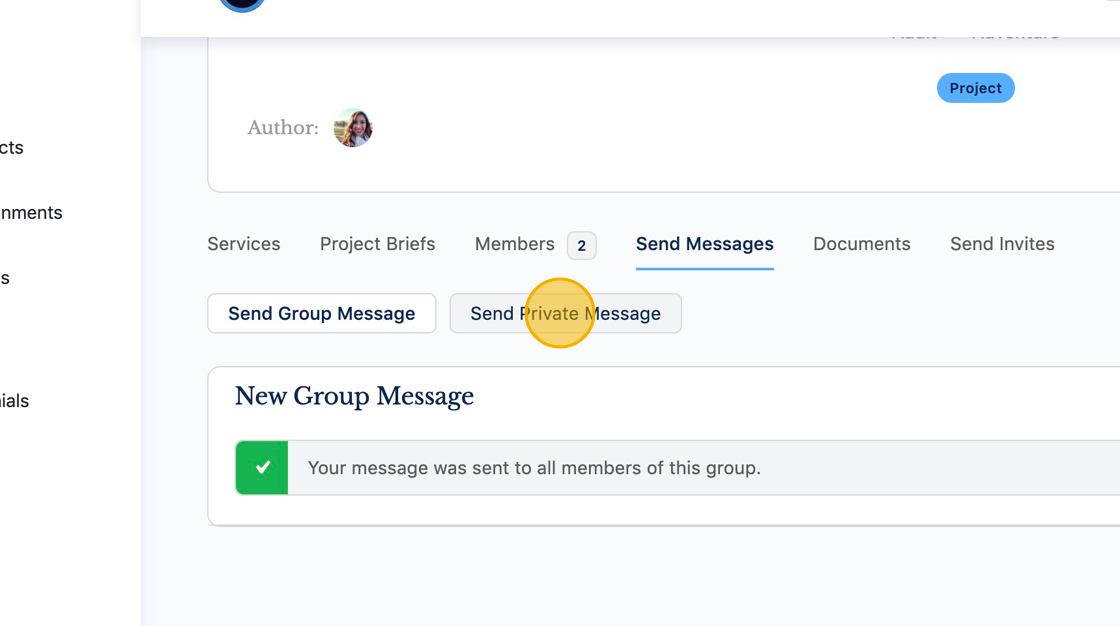
7 Click "Send Message"

8 You can also send messages from a user’s profile.

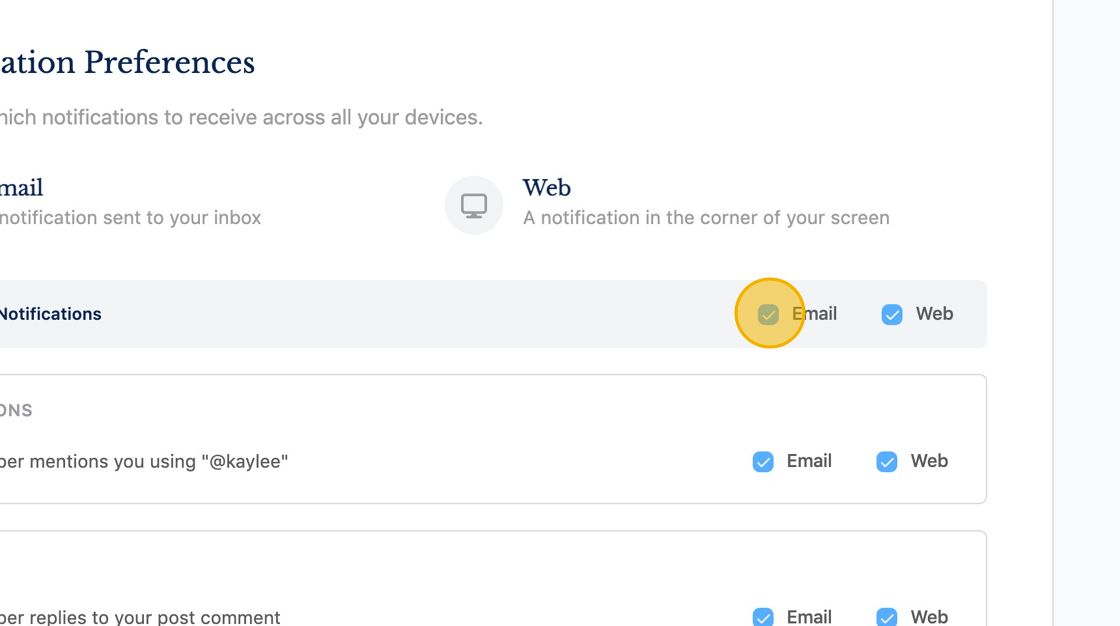
9 Update your Notification Preferences to receive email and web notifications for new messages.
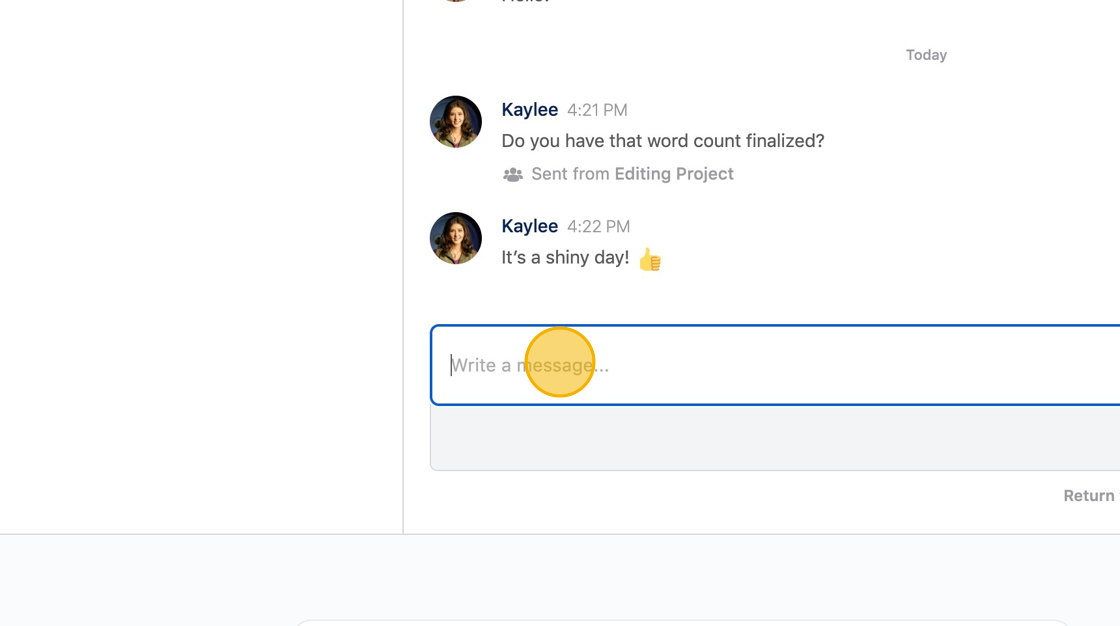
10 Click "Messages" to access all of your messages.

11
Was this article helpful?
YesNo
